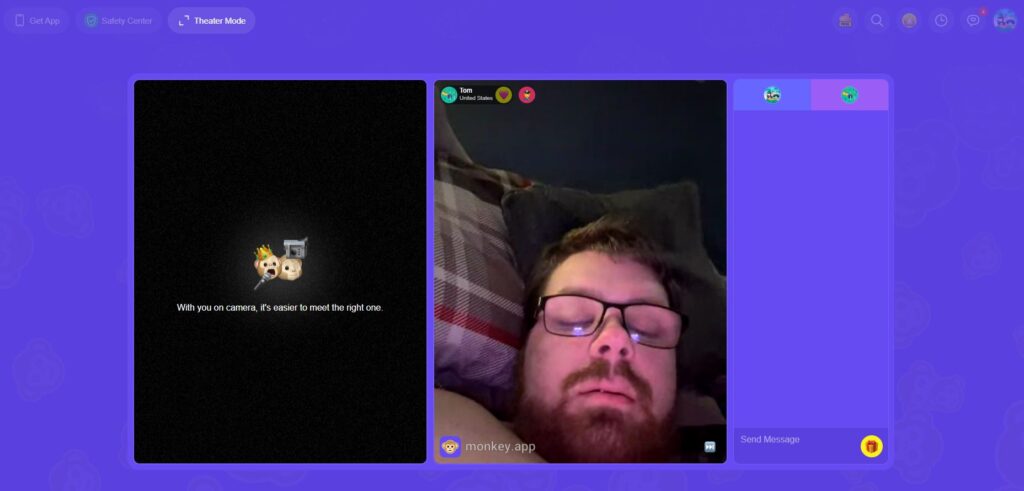
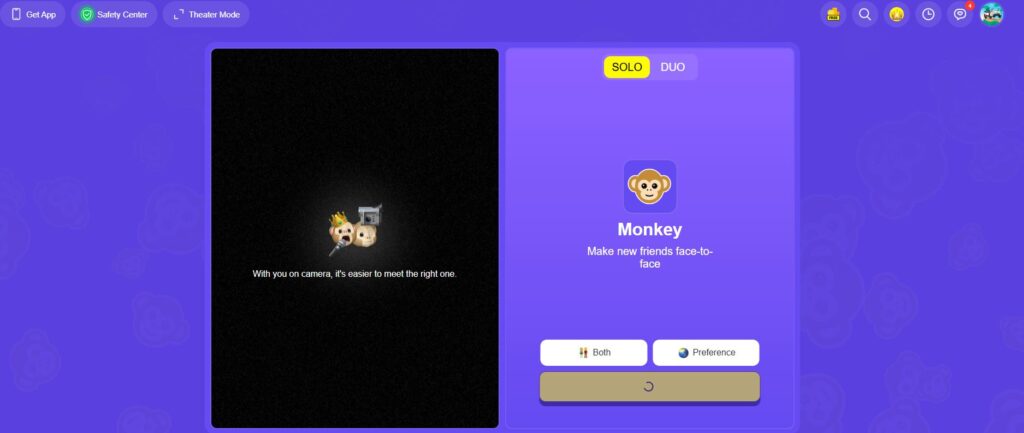
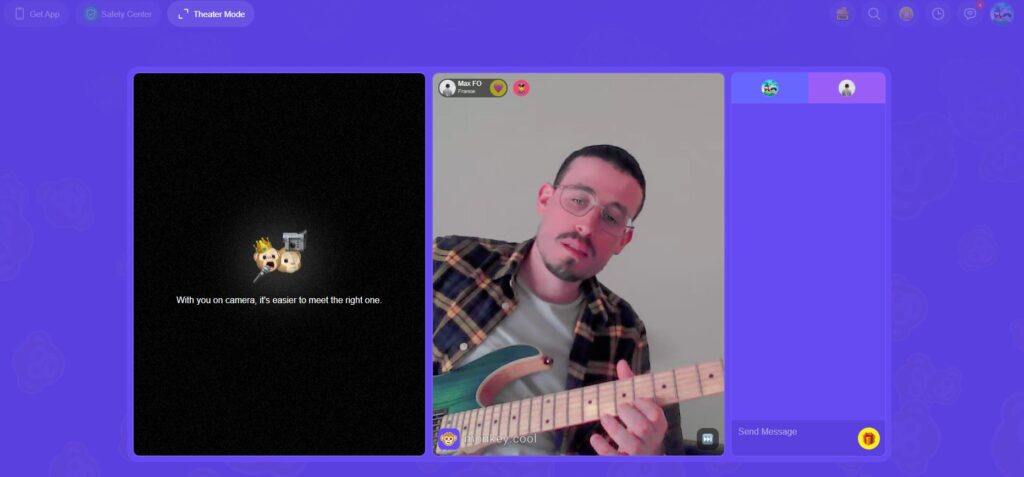
Introduction Monkey App has rapidly become one of the most talked-about social discovery platforms for Gen Z, promising a spontaneous way to meet new people. Unlike traditional social media where you follow people you know, this app throws you into the deep end of the “social internet” by pairing you with strangers for 15-second video chats. If the vibe is right, you can add time; if not, you simply skip to the next person. While the concept is thrilling for those looking to make quick connections, it raises significant questions about privacy and safety. This review dives deep into how the app works, whether it’s actually safe, and if the “TikTok-style” interface makes it a better alternative to old-school chat sites.
The Monkey app is a random video chat platform designed to connect strangers from around the world for quick, spontaneous conversations. Think of it as a modern, mobile-first version of Chatroulette or Omegle, but with a cleaner interface that mimics the swiping mechanic of dating apps and the short-form video appeal of TikTok.
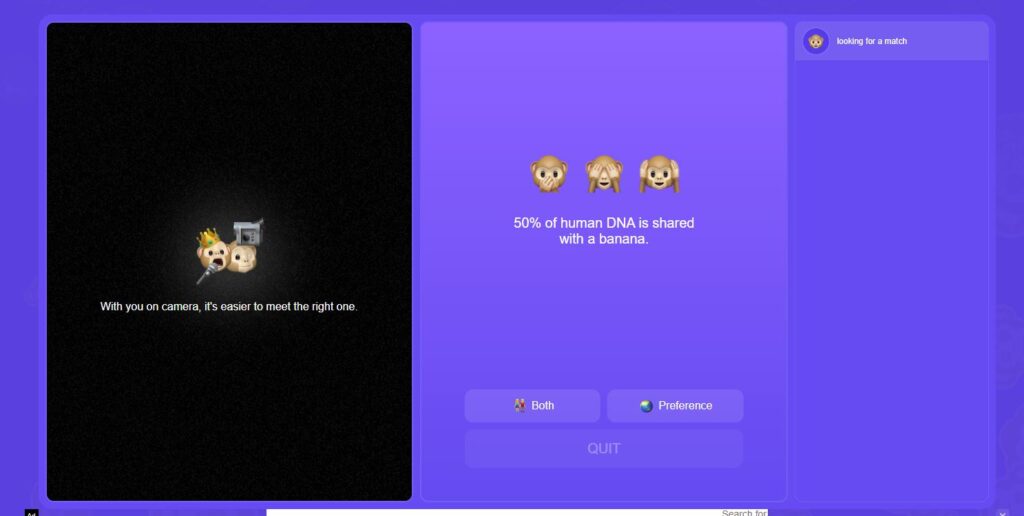
When you launch the app, you are immediately placed into a video chat with a random user. The twist? You only have 15 seconds on the clock. This gamified countdown forces users to make a quick impression. If both users want to keep talking, they can tap to add time. If not, the call ends, and you are instantly matched with someone new. It is built for the short attention span of the modern digital age, prioritizing speed and instant gratification over long-winded profiles.
To understand why this app has captured the attention of millions, here is a breakdown of its core features:
15-Second Video Chats: The signature feature. You get a brief window to chat, which reduces awkward silences and keeps the energy high.
Time Extension: If you vibe with your match, you can hit the “Add Time” button to extend the conversation beyond the initial limit.
Duo Chat: This feature allows you to team up with a friend and jump into video chats together, making the “stranger danger” aspect feel a bit less daunting.
Interests and Tags: You can select specific “Trees” (interest categories) to better match with people who share your hobbies, such as music, gaming, or movies.
Knock Knock: A text-based chat option for users who might be camera-shy or in a situation where they can’t talk out loud.
Moments: A social feed where users can post short videos or photos, similar to Instagram Stories, allowing for passive interaction outside of live chats.
Merchandise & Currency: The app uses an in-app currency (Bananas) to unlock specific features or purchase merchandise.
How to Create an Account
Getting started on the Monkey app is designed to be seamless, but there are a few important details to keep in mind during setup.
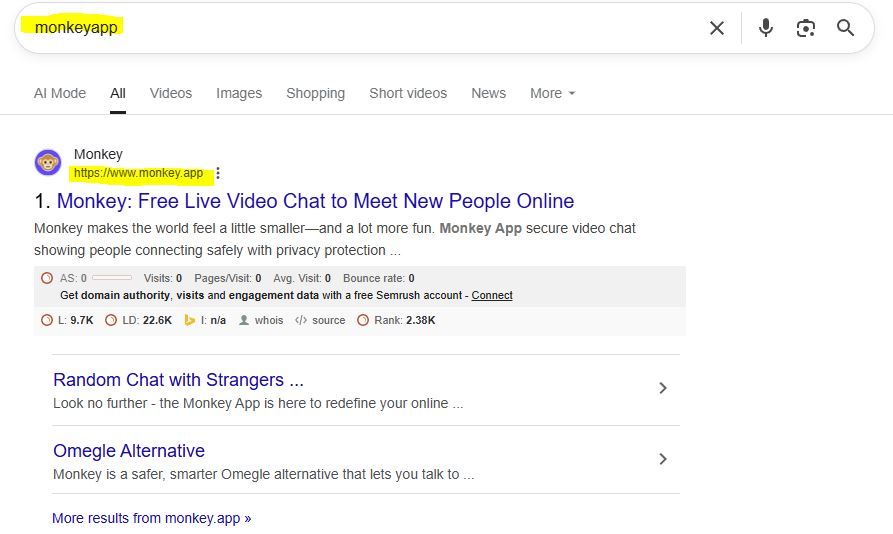
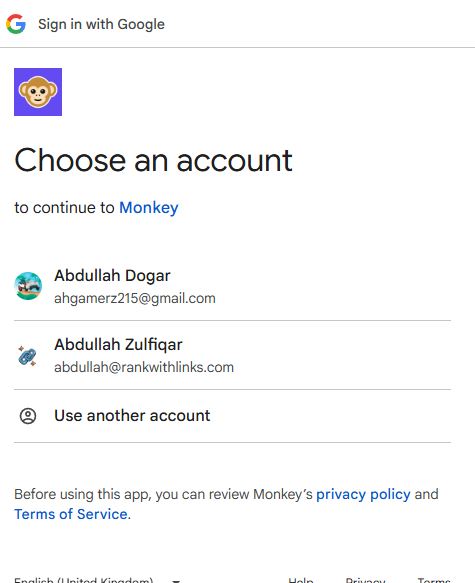
Sign-Up Options: When you first visit monkey.app, you are greeted with a “Make New Friends” landing page. You can sign in quickly using an existing Google, Facebook, or Apple account, removing the need to remember a new password.
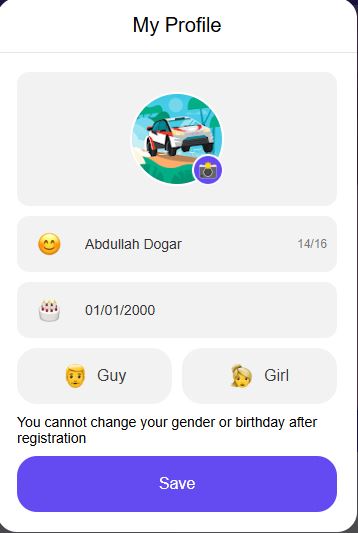
Profile Setup: After logging in, you will be asked to create a basic profile. You must enter your name, birthday, and gender.
Critical Restriction: Be careful when entering your details. The app explicitly states that “You cannot change your gender or birthday after registration”. This ensures that user profiles remain consistent and helps maintain safety standards.
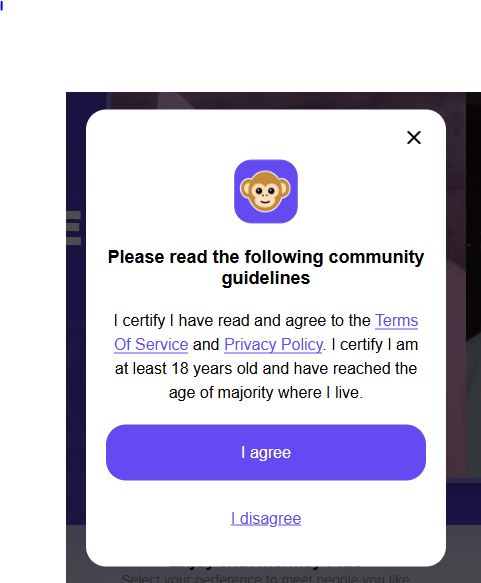
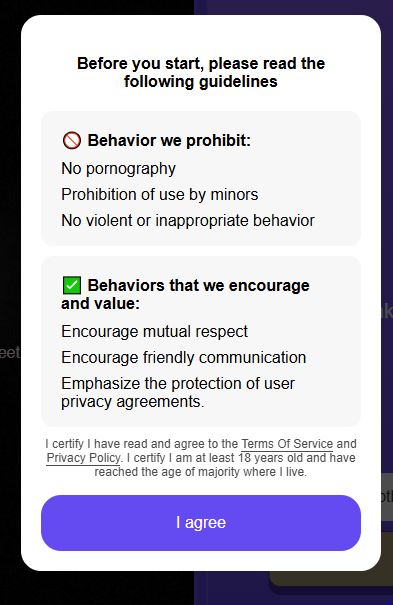
Community Guidelines: Before entering the chat, all users must agree to strict community guidelines. The platform has a zero-tolerance policy for pornography, violent behavior, or use by minors. You must verify you are 18+ to proceed.
Monkey App Pricing: Plus vs. Plus+
While the basic features of Monkey are free, the app offers tiered subscription plans for users who want more control over their matches.
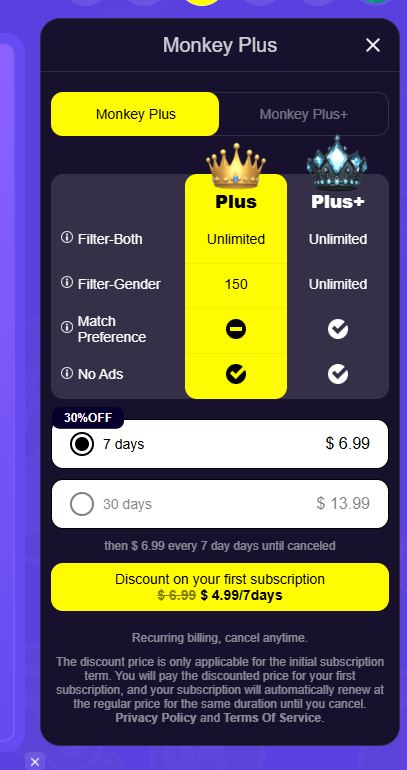
1. Monkey Plus (Standard) This tier removes ads and offers some filtering capabilities, though it has limits compared to the higher tier.
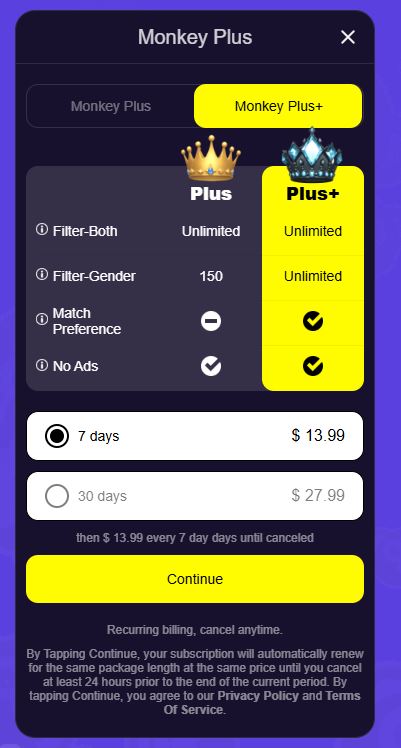
2. Monkey Plus+ (Premium) The “Plus+” tier is designed for power users who want maximum control. According to the pricing options shown in the app:
Unlimited Gender Filter: You can specifically filter to match with guys or girls without limits.
Match Preference: Full control over match preferences.
No Ads: A completely ad-free experience.
Subscription Costs: The “Plus+” plan is available at the following rates:
Weekly: $13.99 for 7 days.
Monthly: $27.99 for 30 days.
Note: Subscriptions are recurring and will renew automatically unless canceled at least 24 hours before the period ends.
Pros & Cons of Monkey App
Pros
Duo Mode: Chat together with a friend using the “Duo” toggle.
Global Reach: Connect instantly with people worldwide.
Theater Mode: Immersive full-screen video experience.
User Friendly: Simple interface with easy 1-click matching.
Cons
Expensive Filters: Unlimited gender filtering requires the premium “Plus+” plan.
Filter Limits: Standard “Plus” plan is capped at 150 gender matches.
No Profile Changes: You cannot change your age or gender after sign-up.
This is the most critical section for parents and potential users. The short answer is: Proceed with extreme caution.
While the Monkey app markets itself as a fun place to make friends, it has faced significant controversy regarding safety.
Inappropriate Content: Because the video chats are live and random, moderation is difficult. Users frequently report encountering bad acts, or offensive behavior before they have a chance to skip.
Predatory Behavior: The anonymity of the platform can attract predators. Although the app claims to monitor content, “stranger danger” is an inherent risk of any random chat platform.
Age Restrictions: The app is rated 17+ on most app stores, but there is no rigorous identity verification. This means younger teenagers often bypass the age gate, exposing themselves to adult content.
Moderation Efforts: Monkey uses AI moderation to flag inappropriate content, but it is not foolproof. Live video is notoriously hard to police in real-time.
Trust Signal: If you are a minor or a parent of a minor, this app is generally not recommended due to the high likelihood of exposure to harmful content.
Monkey app alternatives
Here are some monkey app alternatives:
1. Yubo
Yubo
Best for Safety & Teens
The “Social Live-Streaming” Alternative.
Yubo separates itself from the typical “random chat” apps by focusing on group live streaming and communities instead of 1-on-1 roulette. Users can host live rooms with friends while others watch and chat, creating more of a digital hangout than a dating or stranger-chat experience.
✅ Pros
Robust Age Verification: Uses Yoti AI to separate minors from adults.
Community Focus: Join groups based on interests like gaming, music, or politics.
Safety Features: Real-time moderation during live streams.
❌ Cons
Paywalls: Many features require a paid subscription.
Not Instant 1-on-1: Group-based format may feel slow for some users.
Azar is a polished, swipe-based random video chat app that connects you with people worldwide. Its killer feature is real-time voice and text translation, allowing you to communicate instantly with users who don’t even speak your language.
✅ Pros
Language Translation: Real-time translation breaks down language barriers.
Region Filters: Match with people from specific countries.
Polished UI: More stable and professional than most clones.
❌ Cons
Costly Filters: Gender and region filters require paid “Gems”.
Account Bans: Moderation can be strict and sometimes accidental.
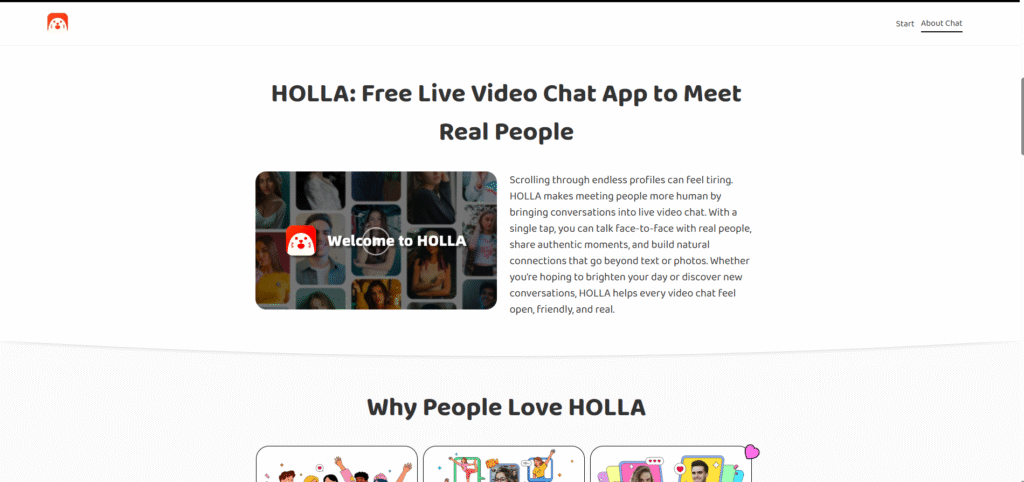
If you want an experience that feels almost identical to Monkey, Holla is the closest match. Since its parent company previously acquired Monkey, the core design and matching system feel extremely similar, using swipe-based “cards” to connect users via video or voice chat.
✅ Pros
Voice Chat Mode: Perfect for users who don’t want to turn on the camera.
Blur Safety: The video starts blurred to give you a moment before revealing the feed.
Fun Filters: Large collection of filters and effects to break the ice.
❌ Cons
Ads & Upsells: The free version shows frequent ads.
Bot Activity: Fake profiles and bots still appear sometimes.
The Monkey app delivers exactly what it promises: a fast, chaotic, and engaging way to meet strangers instantly. For Gen Z users looking to kill time and meet random people from across the globe, the gamified 15-second timer makes it addictive and less awkward than traditional chat rooms.
However, the “wild west” nature of random video chat means safety is a major concern. The risk of encountering explicit content is high, and privacy protections are minimal. It is a fun tool for adults who are aware of the risks, but it remains a dangerous digital playground for younger audiences.
Frequently Asked Questions (FAQs)
Is Monkey App free?
Yes, the basic version of the Monkey app is free to download and use. However, it includes in-app purchases (Bananas) that allow you to unlock premium features and filters.
Can you use Monkey App on PC?
While Monkey is primarily a mobile app for iOS and Android, there have been web-based versions in the past. Currently, the best experience is found on the mobile application.
How do I report someone on Monkey App?
If you encounter a user violating the rules, you can tap the shield icon or the “Report” button during the chat. This flags the user for the moderation team to review.
Is Monkey App connected to TikTok?
No, Monkey is not owned by ByteDance (TikTok’s parent company). However, many users link their TikTok and Snapchat accounts to their Monkey profiles to grow their following.
Abdullah Zulfiqar writes about technology in a simple, practical way, helping readers stay updated and make smarter decisions in an ever-evolving digital world.