
In the modern-day fast-digitalized world, short-form video content is the king of the day. Social media platforms such as YouTube Shorts, Instagram Reels, and Tik Tok take over the globe, and they provide video creators with large audiences and accessibility. However, it may not be that easy to make professional and eye-catching short videos, particularly when you do not have advanced training in editing or time.
This is where AI-powered tools are needed. Auto-editing and text-to-video generation mean that it has never been easier to make viral Shorts and Reels in minutes with the help of AI.
This paper will discuss the most useful AI to use to create YouTube Shorts and Instagram Reels, what they can do, and how they can be used to help you build your audience.
Why Use AI for Shorts & Reels?
AI applications are the new game changer of video makers since they:
Saving time: Auto-trim long videos into shorter and engaging videos.
Enhance imagination: Ideas, images and scripts at a touch of a button.
Provide voiceovers: Use natural AI voices or clone your own.
Match trends: Offer stylish templates aligned with trending formats.
Optimize automatically: Ensure vertical 9:16 format, perfect for Shorts/Reels.
In short, AI tools let you focus on ideas while they handle the heavy lifting of editing and formatting.
Best AI Tools for Creating Shorts & Reels
Here are the top AI-powered platforms that simplify the process of making engaging short videos:
1. YouTube’s Built-in AI Tools (Veo 3 & Edit with AI)
YouTube itself is introducing powerful AI features. Veo 3 generates 8-second videos from text prompts, allowing you to create short visuals without filming. The Edit with AI tool can also scan your camera roll, pick the best clips, and auto-generate a draft with music and transitions.
Best for: Beginners and creators who want to edit directly inside YouTube.
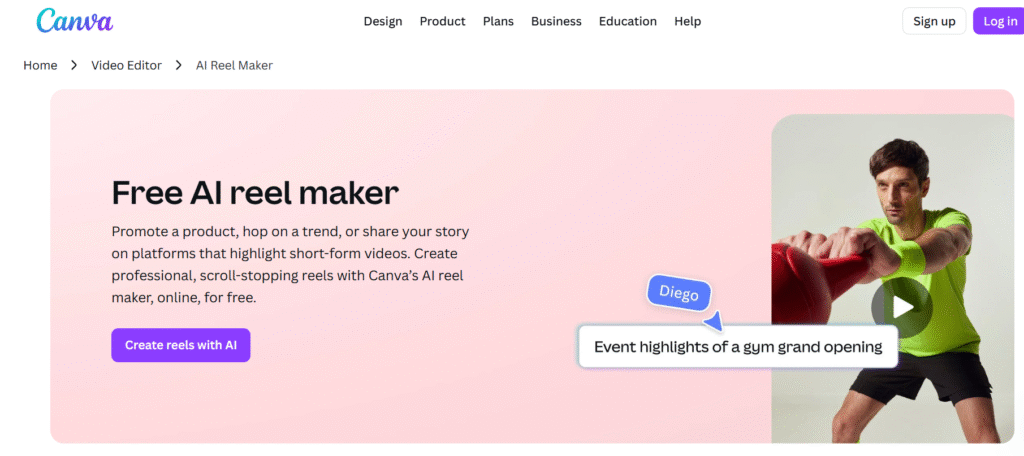
2. Canva AI Reel Maker
Canva has become more than just a design tool—it now offers an AI Reel Maker. With pre-made templates, auto-trimming, and smart transitions, Canva helps creators design professional-looking Shorts and Reels in minutes.
Best for: Marketers, influencers, and creators who want quick, stylish videos.
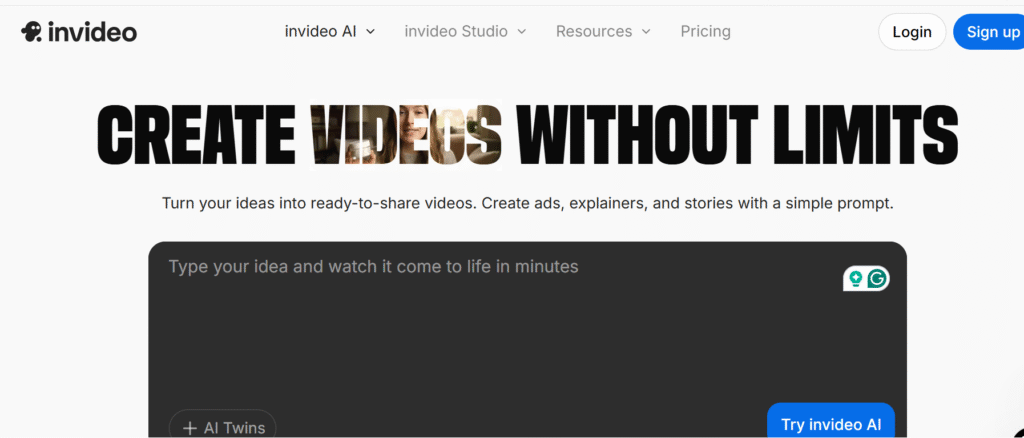
3. InVideo
InVideo’s AI Reel Generator can create entire videos from text prompts or scripts. It adds stock footage, background music, and AI-generated voiceovers, making it a great option for faceless content.
Best for: Content creators who want automation and faceless video production.
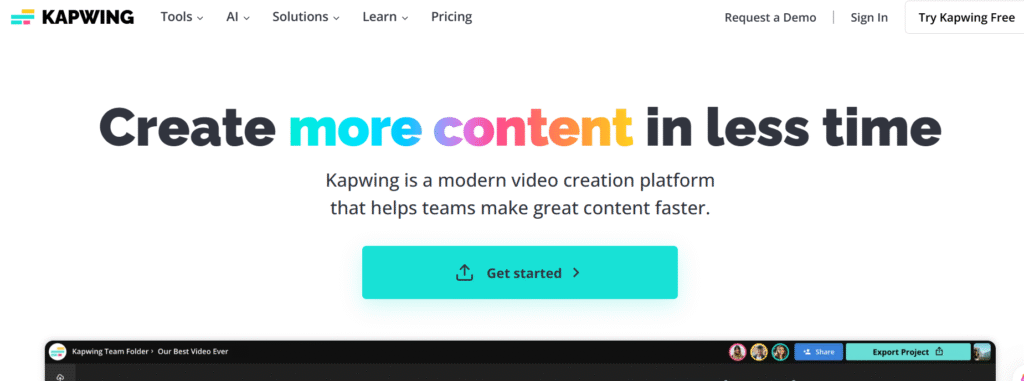
4. Kapwing
Kapwing is a versatile AI video editor that helps you generate captions, cut highlights, and add trendy effects. You can also convert long videos into multiple short clips, perfect for YouTube Shorts and Reels.
Best for: Meme-style videos and creators who want more customization.
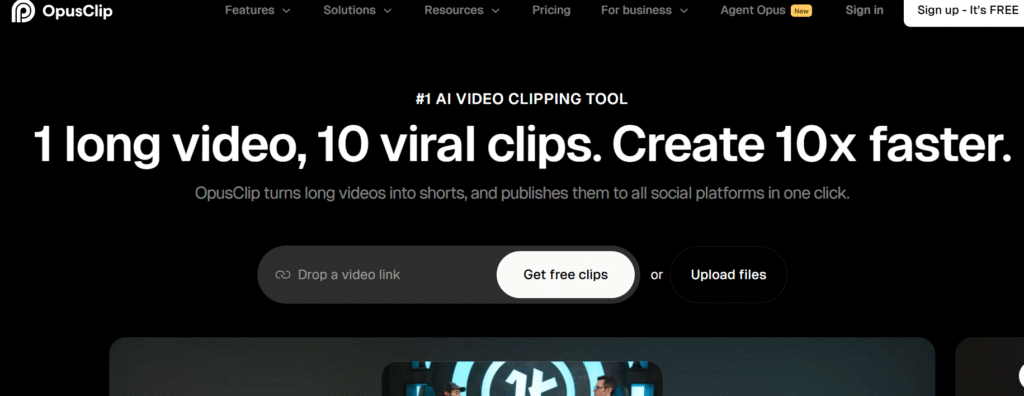
5. OpusClip
OpusClip is designed specifically to repurpose long-form content. It analyzes your YouTube video, podcast, or webinar and automatically selects the most engaging moments. It then edits them into viral-style Shorts with captions and titles.
Best for: Podcasters, educators, and YouTubers.
6. Riverside
Riverside is a professional recording platform that now offers AI clip generation. It automatically extracts highlights, adds branded templates, and provides captions. It’s excellent for creators who want both long and short content.
Best for: Professionals, coaches, and businesses.

Comparison Table of AI Tools
| Tool | Key Feature | Best For | Price (approx.) |
|---|---|---|---|
| YouTube AI (Veo 3, Edit with AI) | Text-to-video + auto editing | Beginners | Free (built-in) |
| Canva AI Reel Maker | Templates + branding | Marketers & influencers | Free + Paid plans |
| InVideo | Script-to-video + AI voices | Faceless creators | $15–30/month |
| Kapwing | Captions + trendy edits | Meme creators | Free + Pro version |
| OpusClip | Auto highlights from long videos | Podcasters & YouTubers | $19/month |
| Riverside | Clips + branded presets | Professionals | $15–24/month |
FAQs on AI Tools for Shorts & Reels
1. Can AI really create YouTube Shorts from scratch?
Yes. Tools like InVideo and YouTube’s Veo 3 can generate videos directly from text prompts.
2. Do I still need editing skills?
Not necessarily. AI tools handle trimming, captions, and effects. But a little manual editing can make your videos stand out.
3. Are these tools free?
Some offer free versions (Canva, Kapwing, YouTube’s built-in tools), but premium plans unlock higher quality exports and more features.
4. Can AI help my videos go viral?
AI helps with editing, captions, and engagement, but going viral depends on your content idea, timing, and audience appeal.
Final Thoughts
Creating YouTube Shorts and Instagram Reels no longer requires hours of editing or expensive software. With the right AI-powered tools, you can turn ideas, scripts, or even long videos into professional short-form content in minutes.
Whether you’re a beginner or an experienced creator, tools like YouTube AI, Canva, InVideo, Kapwing, OpusClip, and Riverside can help you save time, stay consistent, and grow your audience.
The future of short-form content is AI-driven, and the best time to start using these tools is now.
For more articles like this, visit our blogs

Shahzaib is a passionate content writer who creates clear, engaging, and SEO-friendly content for diverse audiences.