

In the modern business world, data is the backbone of decision-making. Every organization, whether small or large, depends on accurate reports and clear charts to evaluate performance, track progress, and plan for the future. But preparing these reports manually can take hours and often leaves room for errors.
This is where Artificial Intelligence (AI) is changing the game. AI-powered tools can now take raw data and instantly transform it into professional business reports and visually appealing charts. Instead of crunching numbers manually, companies can simply upload their data and let AI handle the rest.
If you’re a business owner, manager, or even a student looking for reliable tools, here are the top 10 AI tools for generating business reports and charts in 2025.
1. Tableau with Einstein AI
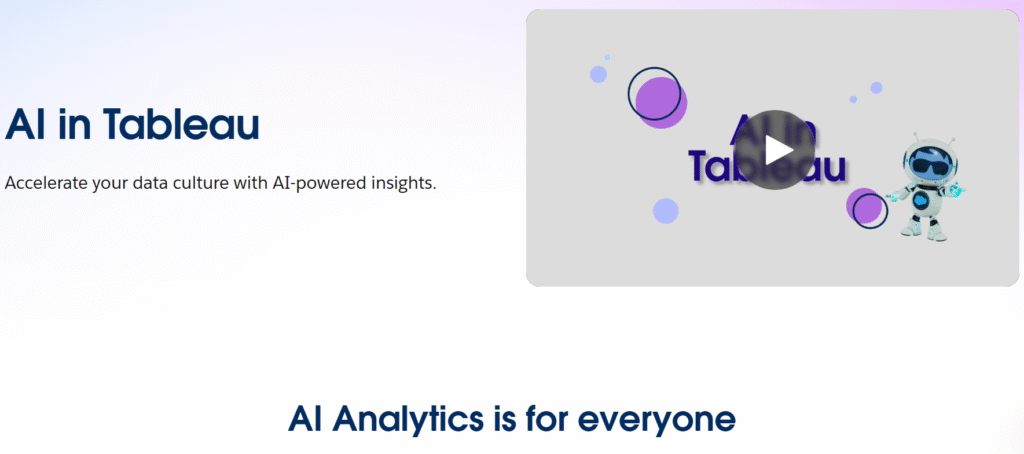
Tableau has long been a favorite for data visualization. With Salesforce’s Einstein AI now built in, it doesn’t just create charts – it also predicts trends and explains insights in plain language.
- Best for: Large companies and data-driven teams
- Why use it: Creates interactive dashboards and predictive reports
- Free Option: Tableau Public (free version
2. Zoho Analytics
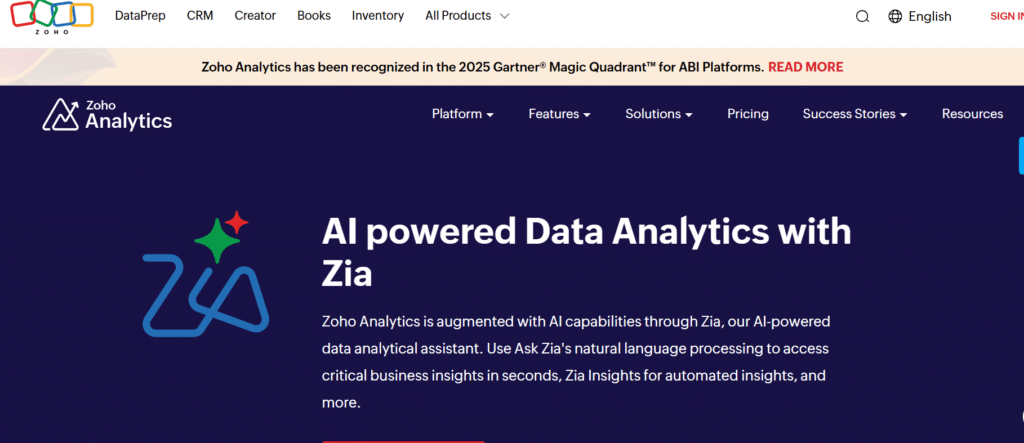
Zoho Analytics is a powerful reporting tool that comes with an AI assistant called Zia. You can simply ask questions like “What were my sales last quarter?” and it will generate charts or reports instantly.
- Best for: Small and medium-sized businesses
- Why use it: Easy integration with apps like Zoho CRM, Google Sheets, and Excel
- Free Option: Yes, with basic features
3. Microsoft Power BI with Copilot
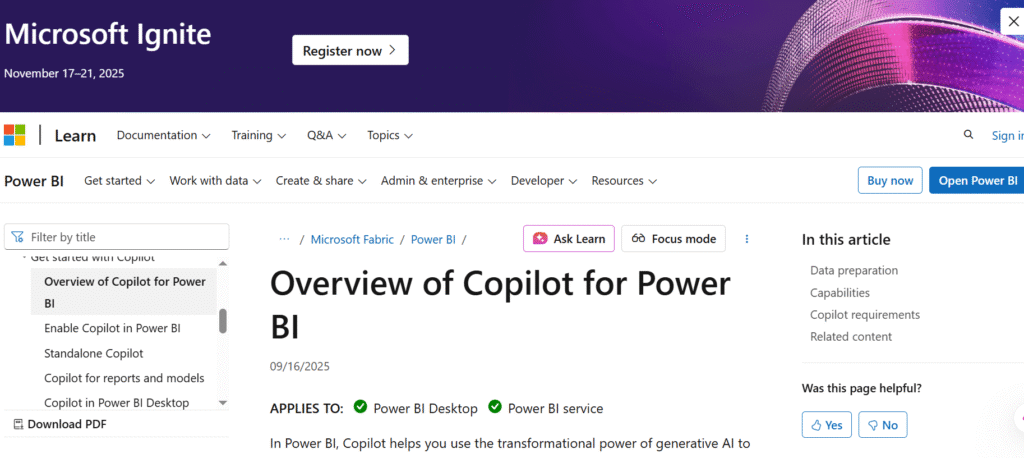
Microsoft Power BI is one of the strongest players in business reporting. With the addition of Copilot, users can now generate reports by typing simple prompts, making it easier than ever to work with data.
- Best for: Corporate reporting, finance, and HR teams
- Why use it: Real-time dashboards, strong Excel connectivity
- Free Option: Power BI Desktop (free)
4. Google Looker Studio (formerly Data Studio)
Google Looker Studio is completely free and integrates seamlessly with other Google services. You can create live dashboards that update automatically with new data.
- Best for: Startups, digital marketers, and freelancers
- Why use it: Free, cloud-based, and very user-friendly
- Free Option: 100% free
5. Qlik Sense
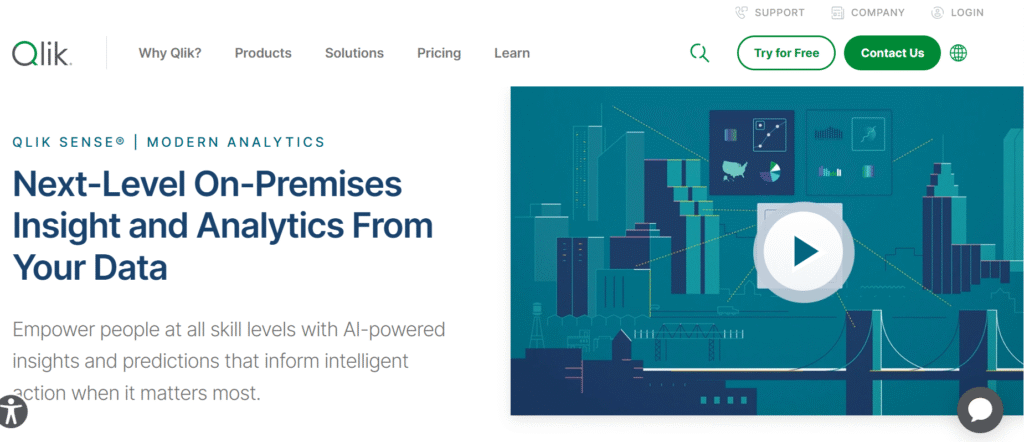
Qlik Sense is known for its Insight Advisor, which uses AI to recommend the best charts and reports based on your data. It also helps businesses uncover hidden trends that might not be obvious.
- Best for: Enterprises working with large datasets
- Why use it: Advanced analytics and predictive insights
- Free Option: Trial available
6. MonkeyLearn
MonkeyLearn specializes in text analysis. It takes unstructured data like customer reviews or survey responses and converts it into easy-to-read reports and visual charts.
- Best for: Customer feedback analysis and marketing research
- Why use it: Great for sentiment analysis and categorizing text data
- Free Option: Yes, with limited features
7. ChatGPT with Advanced Data Analysis (Code Interpreter)
ChatGPT’s advanced data analysis mode can turn spreadsheets into professional reports. You can upload files, ask for summaries, and even request visual charts without needing technical knowledge.
- Best for: Freelancers, consultants, and small businesses
- Why use it: Flexible, conversational, and quick to use
- Free Option: Basic ChatGPT is free (advanced features require upgrade)
8. Narrative BI
Narrative BI is perfect for teams who don’t want to look at complex graphs. It generates plain-language reports that explain your data like a story, while still providing charts when needed.
- Best for: Marketing and sales teams
- Why use it: Easy-to-read automated reports
- Free Option: Yes
9. Sisense
Sisense is a business intelligence tool that embeds analytics directly into your applications. Its AI makes it easy to generate dashboards and answer questions about your business.
- Best for: Enterprises with complex data needs
- Why use it: Predictive insights and natural language search
- Free Option: Trial available
10. Datawrapper
Datawrapper is simple but effective. It’s mainly designed for creating charts, maps, and tables quickly. Journalists and educators often use it for clear, professional visuals.
- Best for: Quick chart creation and publishing
- Why use it: No coding required, very straightforward
- Free Option: 100% free
Why Businesses Should Use AI for Reports and Charts
- Saves Time – Reports that once took hours can now be done in minutes.
- Reduces Errors – AI ensures accuracy in calculations and formatting.
- Simplifies Complex Data – Charts and summaries make information easier to digest.
- Improves Decisions – AI highlights trends and insights you may have missed.
- Professional Results – Ready-to-share dashboards and visuals enhance presentations.
Final Thoughts
AI tools are no longer optional – they’re becoming essential for businesses that want to stay ahead. From small startups to large corporations, everyone can benefit from automated reporting and chart generation.
If you’re just starting out, tools like Google Looker Studio, Datawrapper, and MonkeyLearn are excellent free options.
For larger businesses, Tableau, Power BI, and Qlik Sense provide advanced insights and predictive analytics.
No matter your business size, these AI-powered tools can help you save time, reduce errors, and make smarter decisions based on clear, accurate data.
For more blogs, visit our page

Shahzaib is a passionate content writer who creates clear, engaging, and SEO-friendly content for diverse audiences.