
Note-taking is one of the most important aspects of effective learning, but most learners struggle to follow during lectures or to organize their learning materials. Artificial Intelligence (AI) can change a lot in this place. Free AI-powered tools allow students to now record lectures automatically, convert complicated lessons into easy-to-read summaries, and even make flashcards or quizzes to study again. The tools can help to save time, lessen stress, and make the study more effective. In this guide, we will identify the 10 most useful free AI products to help students take notes and how each of those innovations works and can help you study smarter and not harder.
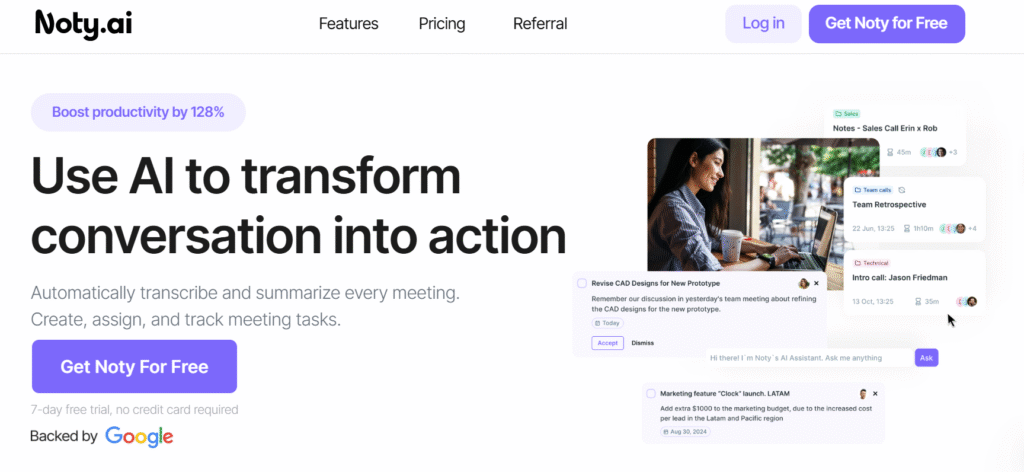
1.Noty.ai
Why it is unique: It is free with unlimited lecture transcription, creates summaries, marks important parts, and can be easily exported to Google Docs where it can be organized and collabora ted on.
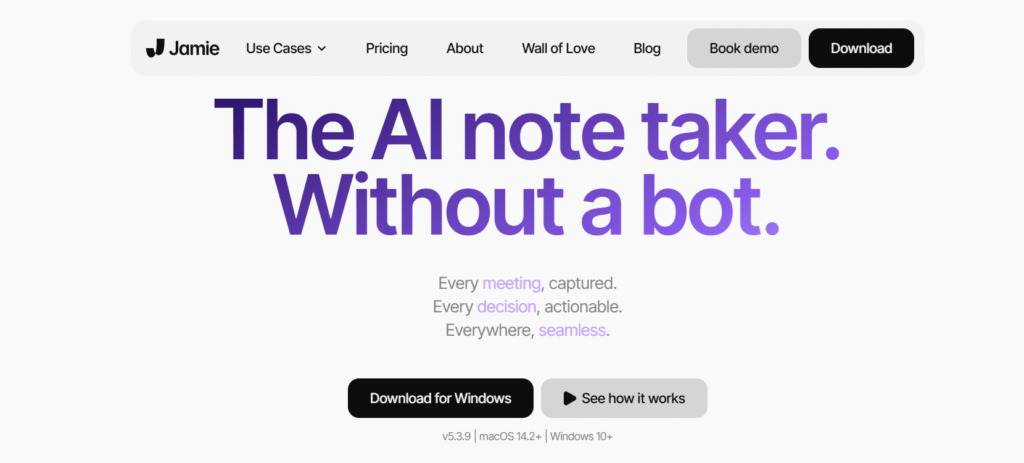
2. Jamie AI
Strengths: An extremely precise bot-free AI notetaker, works in the background (no meeting bot intrusion), supports 20+ languages, produces transcripts, summaries, action items and fits well with Zoom, Teams, and others.
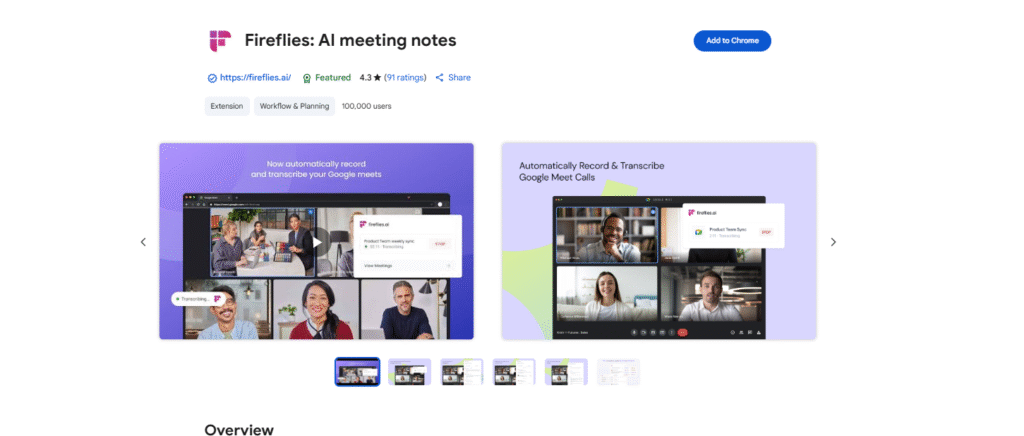
3.Fireflies.ai
Best use: Recording voice lectures or other meetings with automatic transcription, summaries, labels on speakers, snippets of soundbites, and connecting with project-management tools to create tasks based on call ins ights.
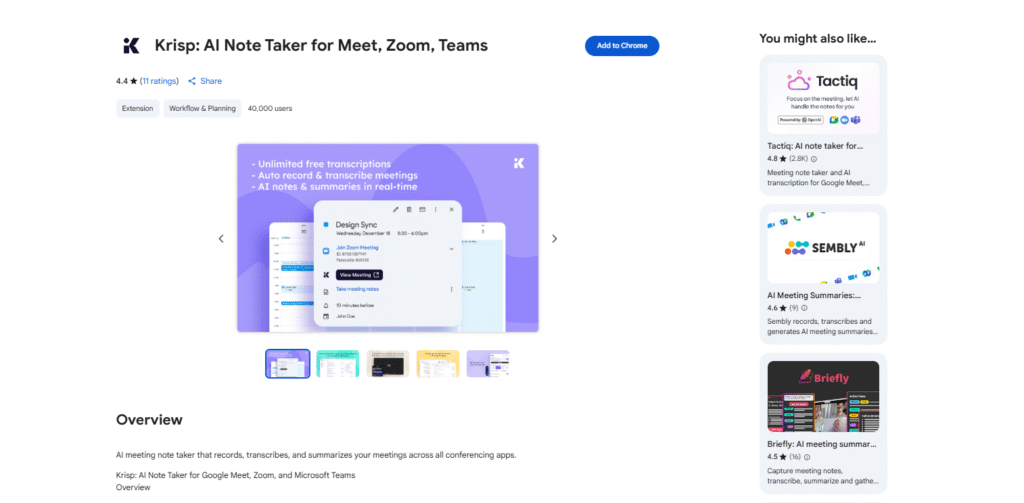
4.Krisp AI
Highlight: This is the best free AI note taker during meetings as it offers noise cancellation and real-time transcription, which make it the ideal tool to use in a meeting.
5.Coconote
Distinctive functionality: Turns lectures into structured notes, flashcards, quizzes and even podcast-like summaries all with a free base tier, on both Android and iOS.
6.Penseum
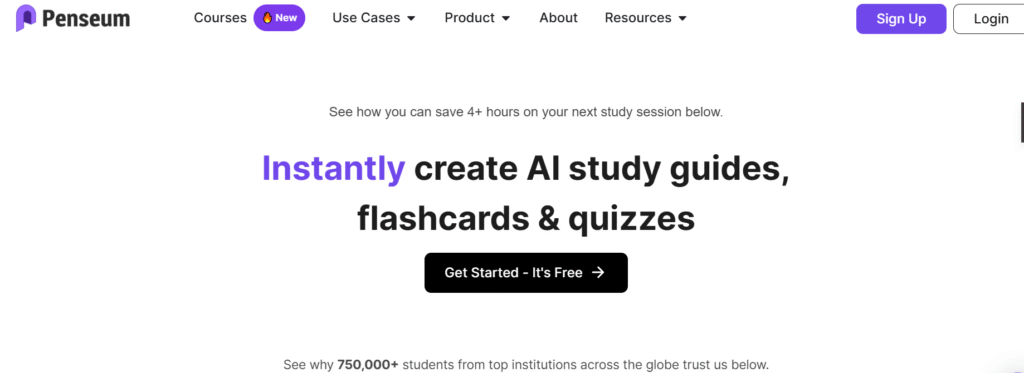
Focus: Use AI to create study notes, flashcards, practice questions, and mini-tests organized around content in YouTube, PDF, text, or PowerPoint formats—perfect when you want to study at your own pace.
7. NoteGPT
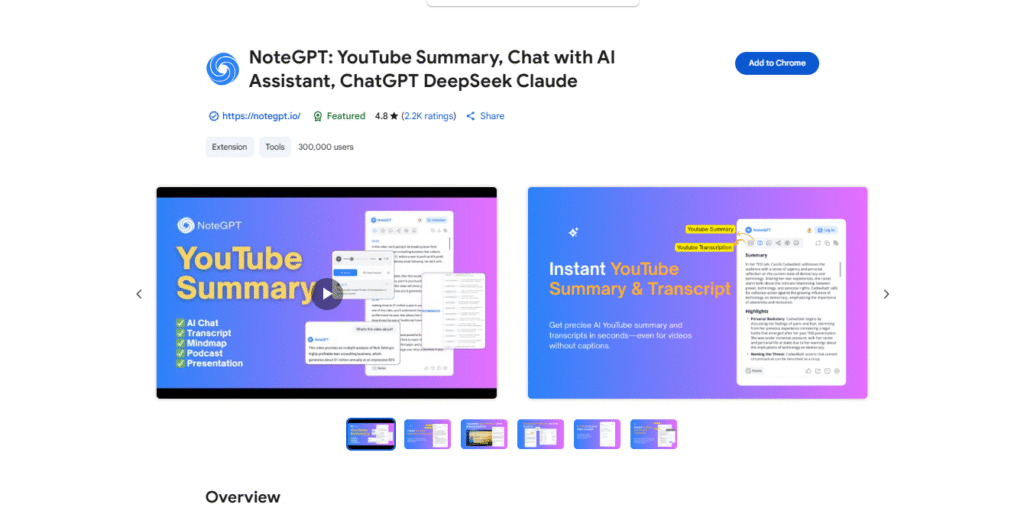
Multi-use tool: Assists students to create notes, flashcards and get writing advice. Useful to researchers, educators, professionals, and creators, too.
8. Lecturely (via Reddit user recommendation)
Student-friendly options: It also allows you to create flashcards, quizzes, PDF annotations, scan handwritten notes, doodle, organize to-dos, and collaborate in real-time in addition to being able to transcribe audio. As one user noted: Not only made you able to take notes through audio recording, it made flashcards and quizzes, it scanned over your handwritten work, etc. … PDF annotation… built in todo manager.
9.Perusall
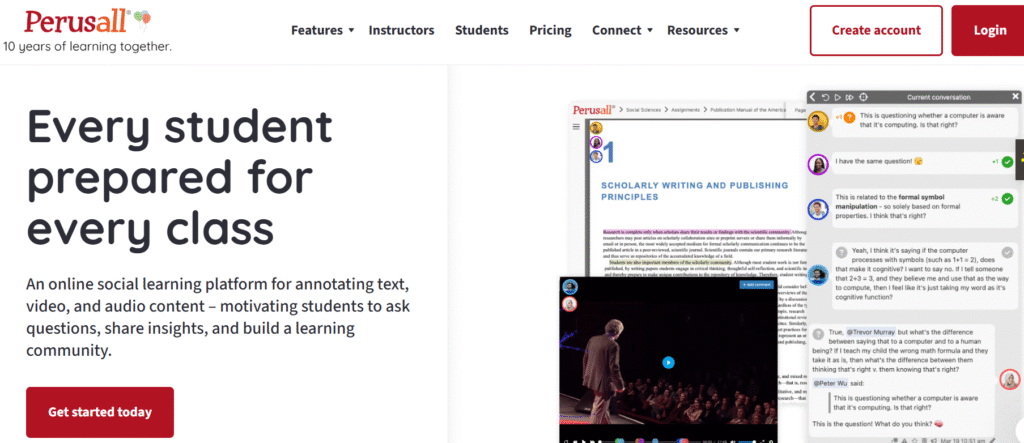
Ideal collaboration reading: A social annotation tool in the classroom, where students can highlight and discuss texts in a classroom. It provides AI-assisted scoring and supports text, PDF, videos and so on.
10.Microsoft OneNote (AI Integration)
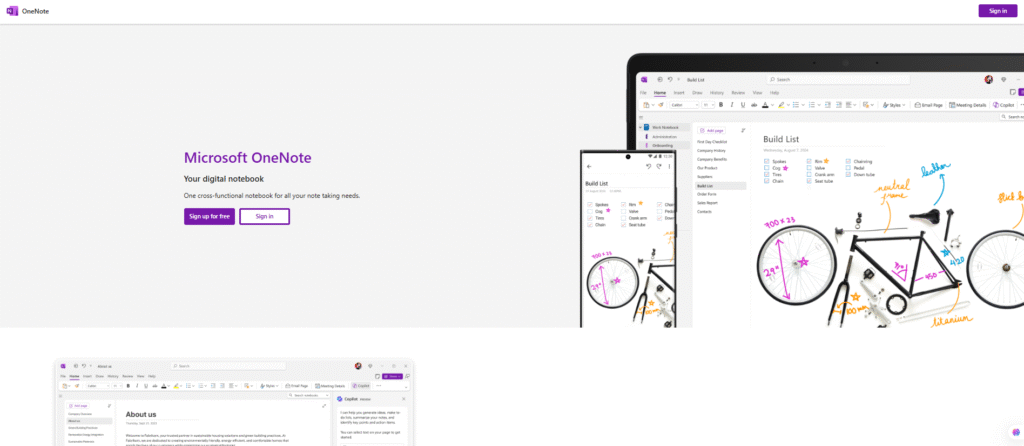
Best usage: Microsoft ecosystem students. OneNote gives students the opportunity to make a digital notebook. It is able to summarize the notes, create outlines and synchronize perfectly across devices using AI.
Quick Comparison Table
| Tool | Free Plan Highlights | Best For |
|---|---|---|
| Noty.ai | Unlimited transcription & summaries | Lectures and collaborative notetaking |
| Jamie AI | Bot-free transcription, multilingual | Meetings & clarity in noisy settings |
| Fireflies.ai | Transcripts, summaries, task integration | Meetings turned into action items |
| Krisp AI | Noise reduction + transcription | Clear audio capture in live contexts |
| Coconote | Notes, flashcards, quizzes in one app | Active studying and revision |
| Penseum | Transforms multimedia content into study aids | Self-study from diverse sources |
| NoteGPT | Flashcards, writing help, note summary | Beyond note-taking: writing and studying |
| Lecturely | Handwriting, PDFs, doodles, quizzes | Comprehensive student workflows |
| Perusall | Social annotation with AI grading | Reading-intensive courses |
| Obsidian | Free linking notes in markdown | Personal knowledge management |
Tips for Choosing the Right Tool
- Learning Context
- Use transcription tools (Noty.ai, Jamie AI, Fireflies.ai, Krisp AI) for capturing lectures or meeting content.
- Try study-focused tools (Coconote, Penseum, NoteGPT, Lecturely) for reviewing and reinforcing material.
- Prefer collaboration tools (Perusall) for reading and discussing texts with classmates.
- Choose knowledge-base tools (Obsidian) if your goal is building long-term organized notes.
- Platform Compatibility
- All tools above are accessible via web or mobile—just check each for device-specific availability.
- Feature Priorities
- Need flashcards/quizzes? Try Coconote, NoteGPT, Penseum, or Lecturely.
- Want seamless audio import and clarity? Jamie AI, Fireflies.ai, or Krisp AI are safer bets.
- Prefer organized text storage and linking? Obsidian or Perusall might fit better.

Shahzaib is a passionate content writer who creates clear, engaging, and SEO-friendly content for diverse audiences.